Product comparisons
ActionDrivenNote vs TickTick
Every task is a note in its own right.
In ActionDrivenNote, each action has a note body: plan the work, write your thinking, and keep the record after completion without changing its type. TickTick offers distinct task and note types. Tasks can also hold written context, and both types can share a list. The choice is how you want the work and its record to develop together.
Choose ActionDrivenNote for
Write, act, and keep the useful record in the same task.
Choose TickTick for
Manage tasks and notes as distinct types, alongside calendar, focus, and habit tools.
At a glance
| What matters | ActionDrivenNote | TickTick |
|---|---|---|
| Tasks and notes | Every action has an editable note body and a completion state. You work with the same item throughout. | Tasks and notes are distinct item types. Tasks can be completed; notes have no completion state. Both can share a list. |
| Writing as you work | Each action opens into an editable note for ideas, drafts, and decisions. | Write context in task details with Markdown, or create a separate note for reference material and reflection. |
| Follow-up actions | Create child actions inside the working note and track their completion. | Use task sub-tasks to break down work. A note is a different item type from a completable task. |
| Keeping a note | Complete the action and keep its note body. No task-to-note conversion is needed. | Keep written context in the task, or convert the task to a note when you want a note-type item. Tasks with sub-tasks cannot be converted to notes. |
| Returning to useful records | Completing an action keeps its note. Tags help you return to useful records across active and completed work. | Keep reference material in notes and insert task summaries to review work over a period of time. |
| Organization | Use tags to collect related actions and notes, including nested topic tags. | Organize tasks with lists and tags. Notes can also have tags, and dedicated note lists are available. |
| Daily workflow | A focused workflow built around daily actions, working notes, and topic tags. | Combine task management with calendar views, Pomodoro, and habit tracking. |
The same work, two approaches
Take an onboarding rollout: plan the work, write the proposal, and return to the record after completion.
-
Plan the rollout
ActionDrivenNoteCreate an action for the onboarding rollout and place it on the day you will work on it.
TickTickCreate a rollout task in a list and set its date. Keep it as a task so you can track completion.
-
Work through the details
ActionDrivenNoteWrite observations and the rollout proposal in the action. Add follow-up actions for user trials and copy checks.
TickTickWrite the proposal in task details and add sub-tasks for trials and copy checks. If you prefer a separate note for the proposal, create one as a note-type item.
-
Return to the record
ActionDrivenNoteComplete the action when the work is done. Keep its topic tag so the note remains part of the records you can revisit.
TickTickComplete the rollout task when it is done. For a separate review note, create a note and insert a task summary. A task with sub-tasks cannot be converted to a note.
Inside ActionDrivenNote
The plan and the thinking live together.
This ActionDrivenNote demo note holds the rollout plan, observations, and linked follow-up actions. Open the action to pick up the work; tag the useful record to return to it later.
See how to write a working note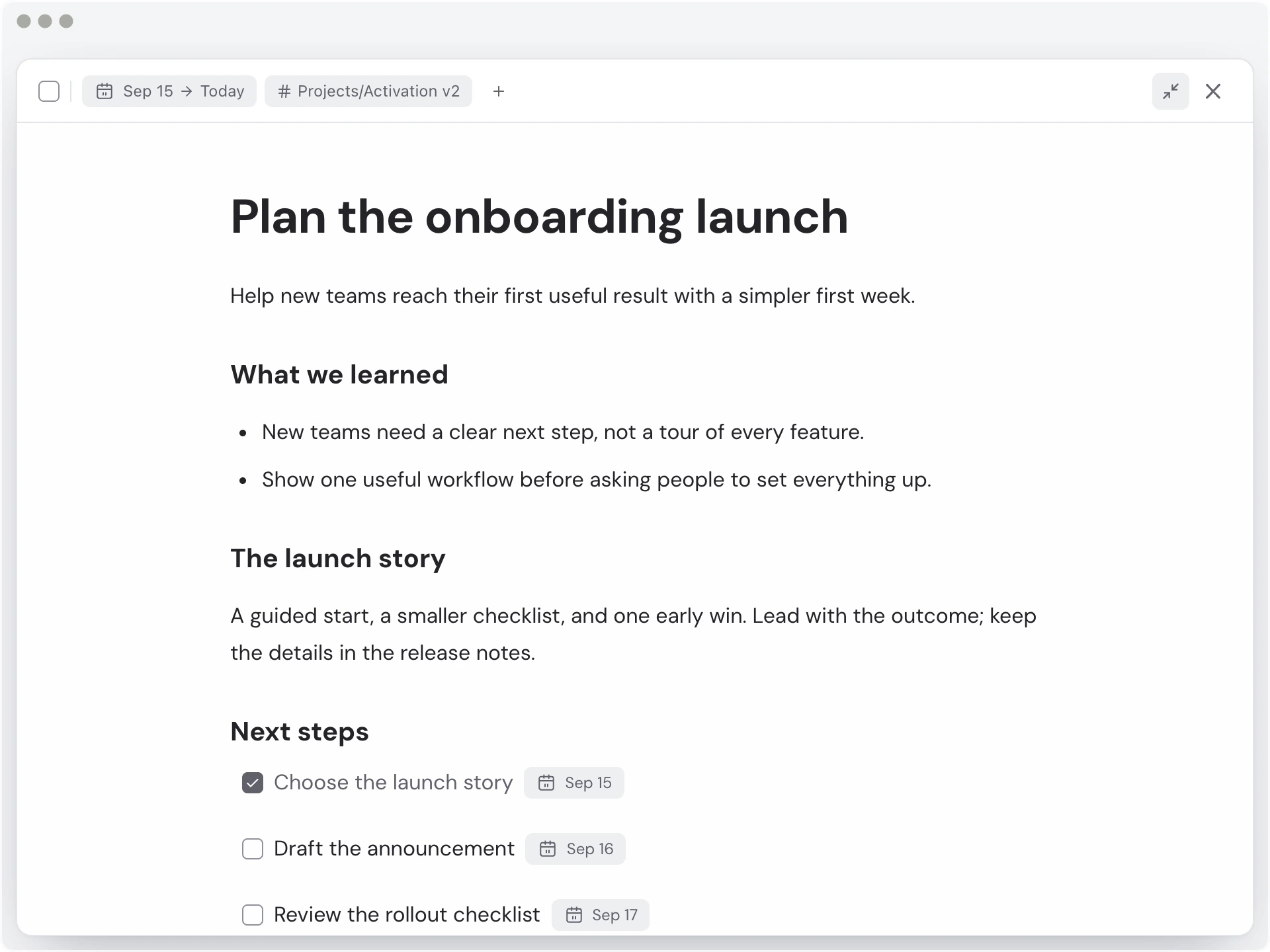
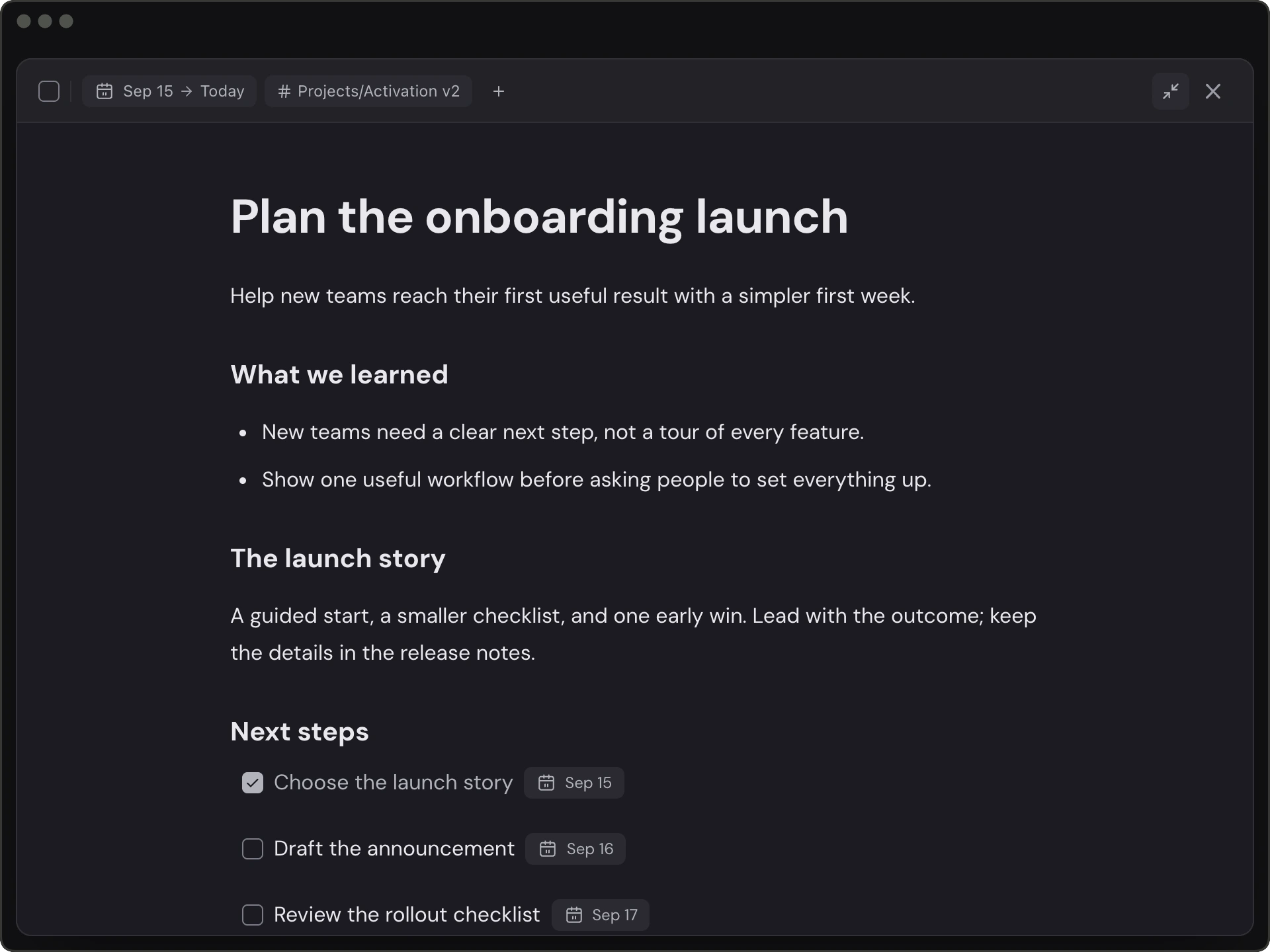
ActionDrivenNote demo workspace · illustrative onboarding rollout
Find your fit
Try a task that needs both ongoing thinking and a clear finish line. ActionDrivenNote keeps the working note and completion state in one item. TickTick gives tasks and notes distinct roles, with calendar, focus, and habit tools alongside them. Choose the structure that helps you resume and revisit your own work.
Choose ActionDrivenNote for
- You often write proposals, research, or investigation notes while doing a task.
- You want the note body and task completion state in the same item.
- You revisit useful working notes by topic after completion.
Choose TickTick for
- You prefer tasks and reference notes to have distinct roles.
- You use calendar views, Pomodoro, or habit tracking in your routine.
- Task details and separate notes already hold the context you need.
Questions before you choose
Are tasks and notes the same thing in TickTick?
They are distinct item types: tasks can be completed, while notes have no completion state. TickTick also lets you write content in task details and mix tasks and notes in one list. In ActionDrivenNote, each action has both a note body and a completion state.
Do I need to convert a TickTick task to keep its written content?
You can write and keep context in a task; creating a separate note is a choice. Conversion is useful when you want that item to become a note without a completion state. TickTick documents that tasks with sub-tasks cannot be converted to notes. ActionDrivenNote keeps the note body when you complete an action, without a type conversion.
Which should I choose for notes and daily planning?
Try ActionDrivenNote if you want to write, track next steps, and keep the record in the same action. Consider TickTick if you prefer distinct task and note types and rely on calendar views, Pomodoro, or habit tracking. Use one real piece of work to see which structure fits.
Try it with one real task.
Write the context, add the next step, and see whether you can pick up the work tomorrow.
Start for free