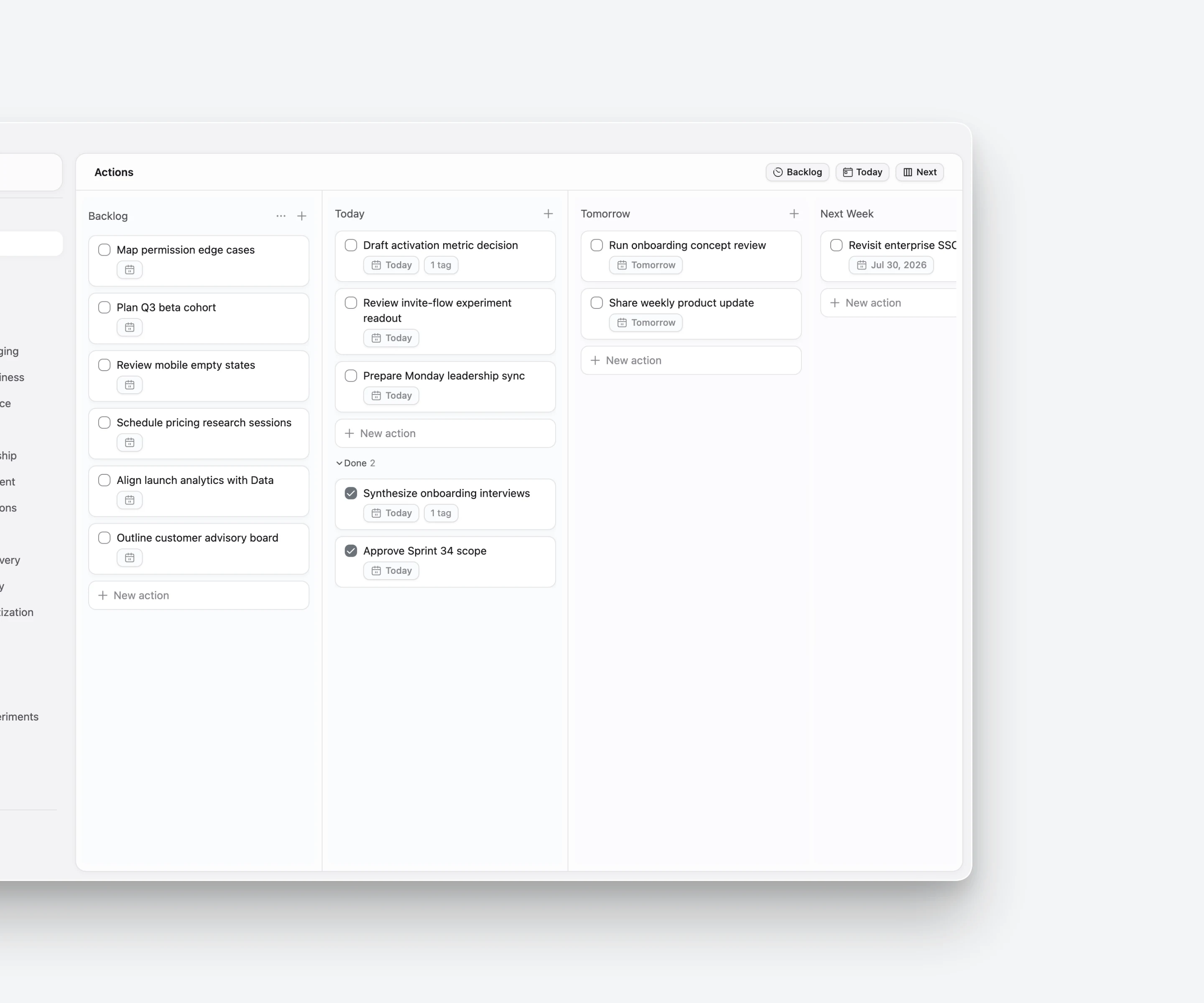
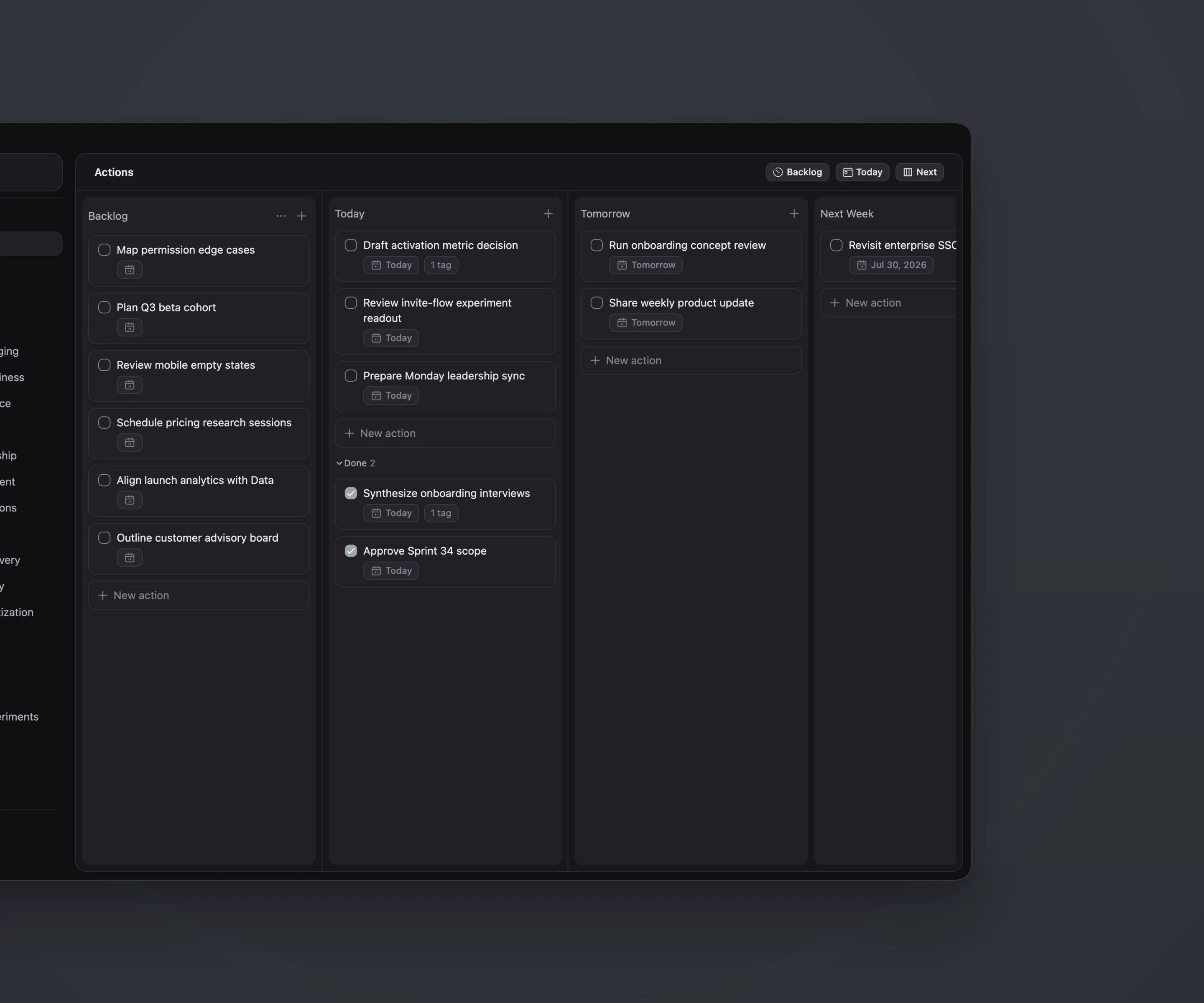
01 Capture broadly
Let the backlog hold the possibilities.
Add an idea, task, or decision while it is fresh. A short title is enough; timing and structure can wait until they become useful.
Action planning
Capture broadly, focus narrowly, and move the plan as reality changes—without turning planning into a project of its own.
The planning model
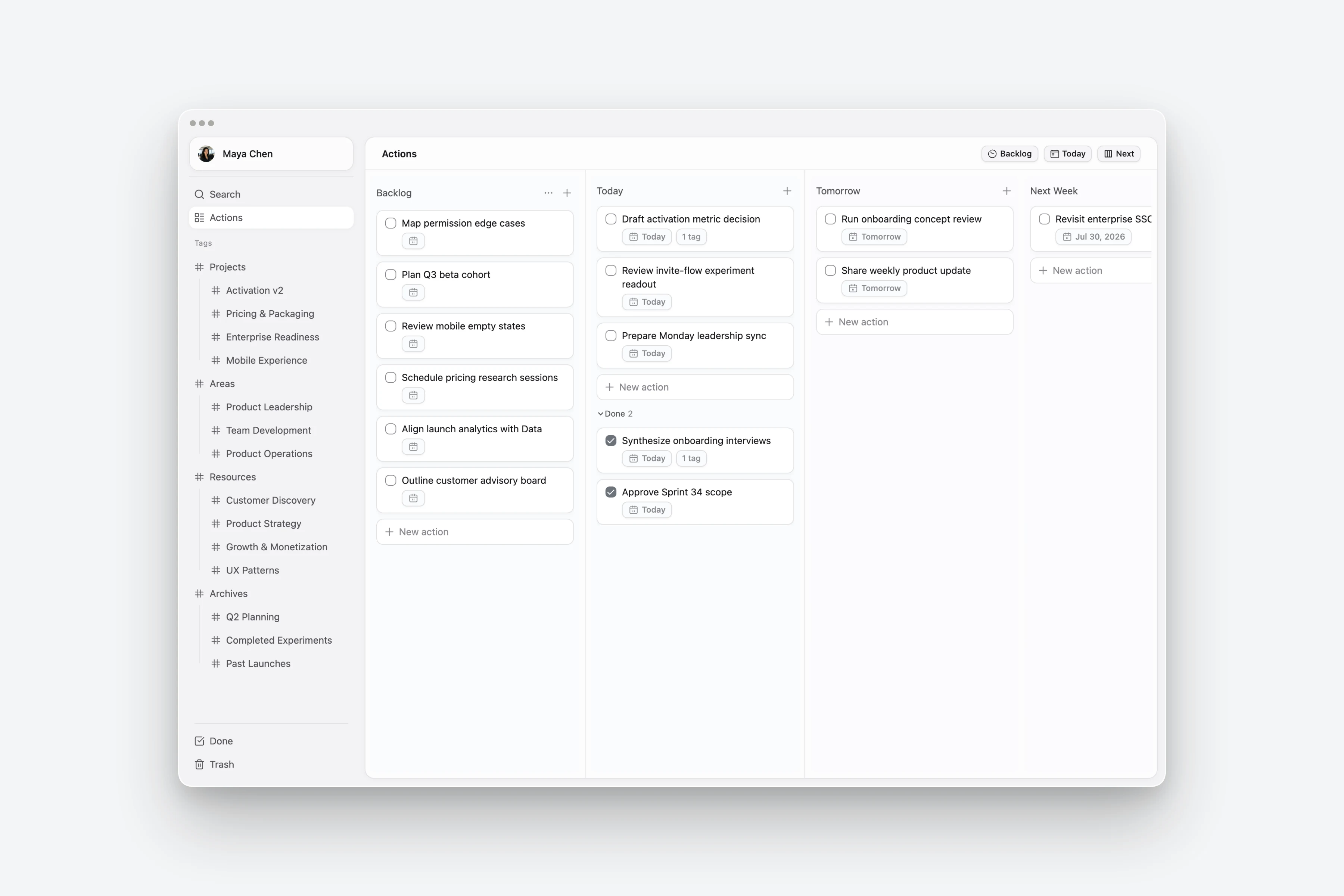
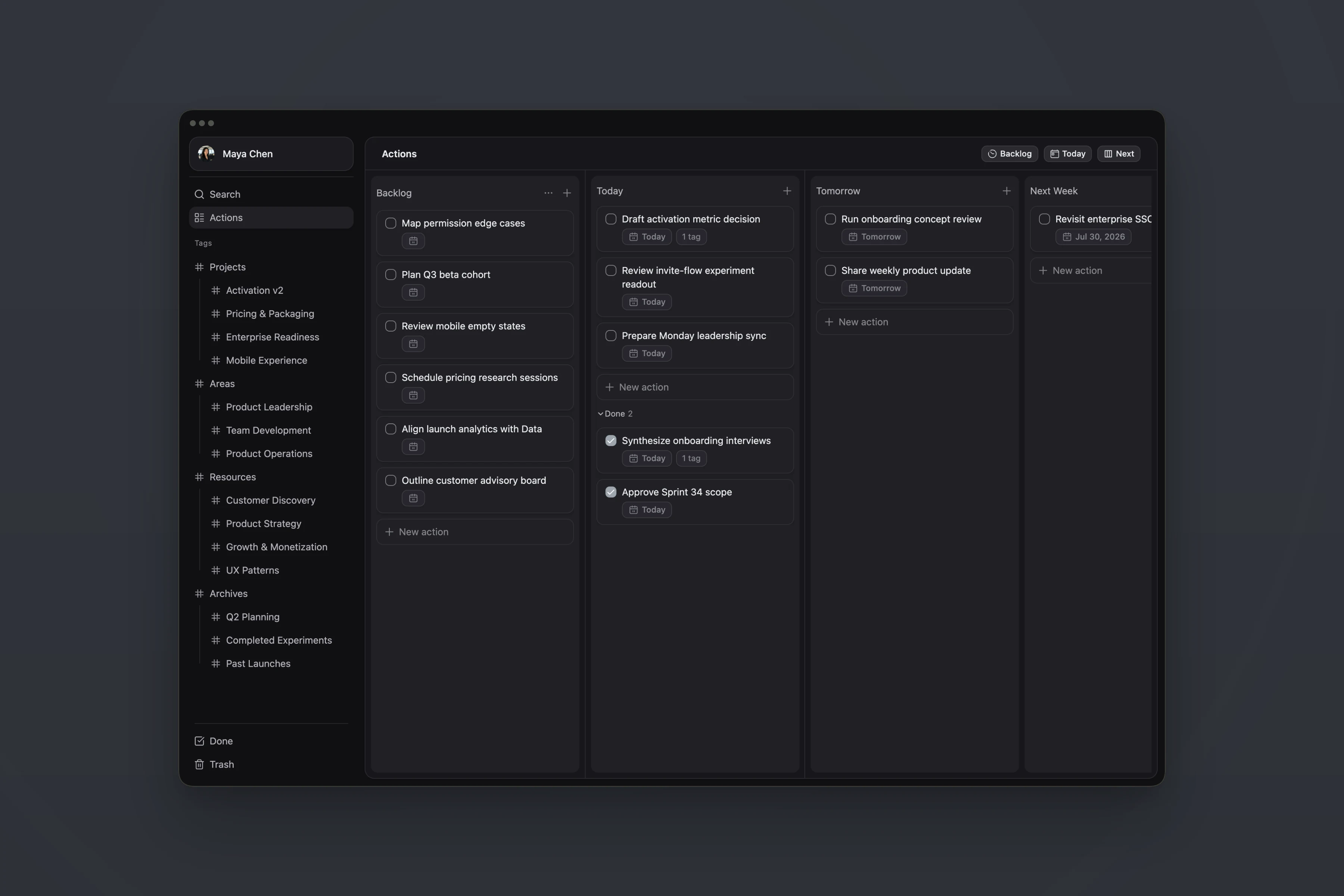
A useful plan does not make every task visible at once. It separates possibility from commitment, so attention can stay on the work that is ready to move.
Backlog
What might matter?
Today
What will move now?
Next
What deserves a future place?
The board stays simple because its structure follows decisions you already make: collect, focus, and adjust.
Add an idea, task, or decision while it is fresh. A short title is enough; timing and structure can wait until they become useful.
Choose a realistic set of actions for the day instead of treating every item in the backlog as equally urgent.
Shift work between Tomorrow, Next Week, and later horizons without recreating the action or losing the thinking attached to it.
Example · Weekly planning
The goal is not to predict the week perfectly. It is to keep the next move clear as new information arrives.
Collect the work that may matter this week and keep uncertain items in the backlog.
Move newly urgent work into view and push lower-priority actions forward without reorganizing the system.
Complete the actions that moved, review what remains, and carry unfinished work into the next horizon.
Questions
No. Actions can stay in the backlog until you know when they matter. Add timing only when it helps you decide what deserves attention.
Yes. Create child actions when a task grows into a sequence of smaller moves. The parts stay connected to the outcome they support.
Completed actions leave the active planning view, but their written context remains available. Tag the work worth keeping so it can continue as useful reference material.
Blog
Learn how action-centered note-taking delays organization until useful patterns appear.
Read the article →Documentation
Follow the core Plan → Think → Keep workflow from the beginning.
Open the documentation →Continue the workflow